
Custom Odoo modules, written to survive your next upgrade
When no standard app covers what your business does, we build one. Python on the server, OWL in the browser, PostgreSQL underneath, and every line of it in a module of its own, so the next version upgrade stays a routine job. The code and the repository are yours.
What we build
A new Odoo app
A part of your business Odoo has no app for, with its own records, screens, access rules and documents.
Documents
Invoices, statements, certificates and board packs in QWeb, laid out the way your business issues them rather than the way Odoo ships them.
Dashboards and reporting
Figures your managers actually run the business on, queried straight from the database rather than exported and rebuilt.
Portal and website pages
Self-service for customers, suppliers or field staff, built on the portal layer so access rules are enforced by Odoo.
Performance work
Views that hang, reports that time out and queries that crawl, profiled and fixed.
Someone else’s modules
Custom code written by a previous partner, reviewed, documented and brought up to a current version.
What we build at each layer
What your team sees
Screens, list and form views, custom widgets, portal and website pages.
- OWL
 JavaScript
 SCSS
SCSS XML
XML
What the business rules do
Models, fields with logic behind them, constraints, workflows, wizards and server actions.
 Python
What gets issued
PDF documents, statements and board packs, laid out the way your business sends them.
- QWeb
- XML
Where the data lives
Tables, relations, indexes and SQL views, tuned when a report starts to crawl.
 PostgreSQL
How it reaches you
Version control, a staging database, then production.
 Git
Git Odoo.sh
Built for clients
Needs confirmation
Three implementation projects stood here as placeholders: Sign World, Minum and Ibn Firnas. All three are real, but each one describes a whole rollout, and under this heading that reads as modules we wrote. Two or three genuine builds replace them.
Each card needs
- The client, or a descriptor we can use instead if the name is confidential
- What no standard Odoo app covered
- What we built
- Which Odoo apps it works alongside
- The outcome, only where it can be verified
Worth asking about first
- Sign World runs on Estimation, Engineering, Stores and Installation. None of those is a standard Odoo app, so they look like modules we wrote. Are they?
- Minum has a Rails integration into their own backend, which their CEO names in his review. Did we develop that connector?
- Ibn Firnas runs a pilot training academy on the same platform. Is the academy a module of ours, or Project and Planning configured?
- Any module we have taken over from a previous partner, which is the one scope item on this page nothing else evidences.
Who writes it
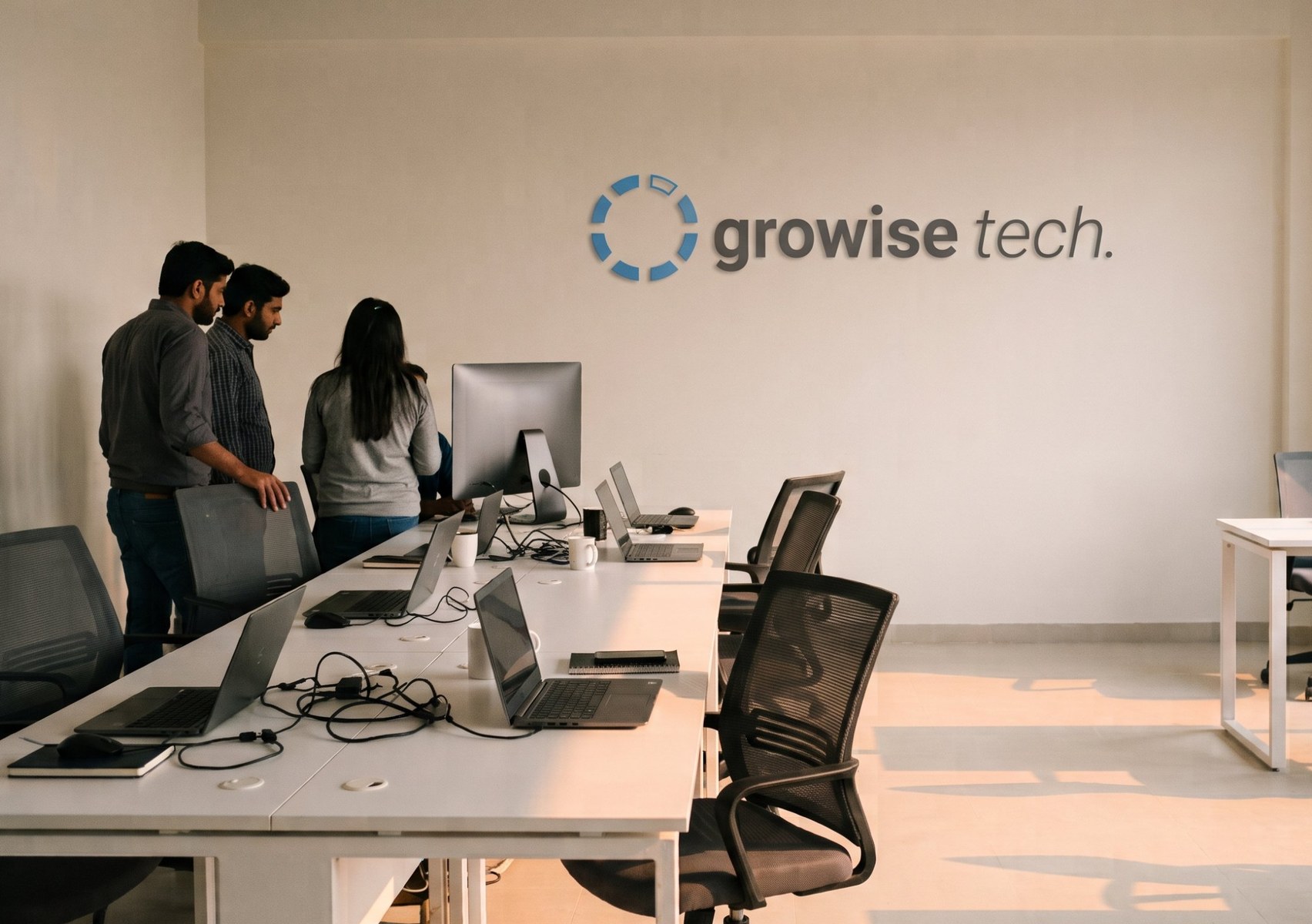
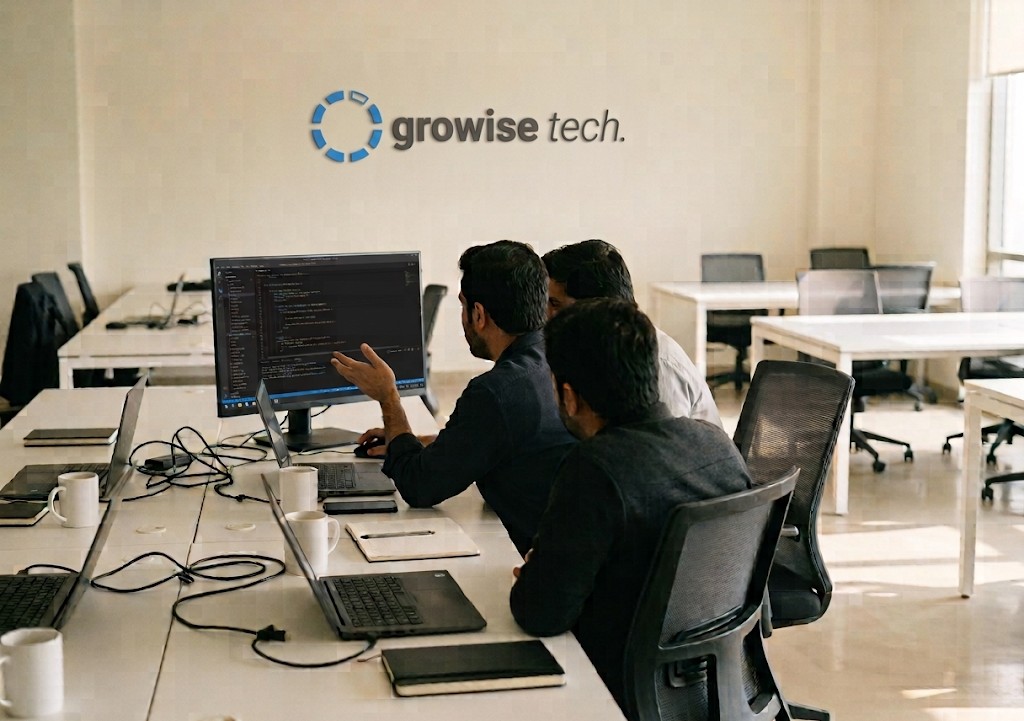
The developer who writes your module sits a few desks from the consultant who wrote your specification. Most specifications change the moment someone starts building, and the cheapest way to settle that is for the two of them to turn around and talk.
Growise Tech is an Official Odoo Partner. The consultants and developers on your project are our own staff, not contractors found for the job.



1 of 5
How we build so your next upgrade stays cheap
Custom code is not what makes an upgrade expensive. Custom code written badly is. Odoo’s own documentation notes that maintaining custom code sits outside their plans, so how it is written decides what every future version costs you.
Nothing in core
Odoo’s own files are never edited. Every change we make lives in a module of ours, which is what turns an upgrade into a routine job rather than a rescue.
Inherit, never overwrite
We extend standard models and views rather than replacing them, so Odoo’s own improvements still reach you in the next version.
One module per concern
Separate modules can be upgraded, switched off or removed one at a time. One module holding everything cannot.
OCA coding guidelines
We follow the Odoo Community Association’s conventions for structure, naming and style, so any competent Odoo developer can read our work. Including the one who replaces us.
Tests that ship with the module
Modules carry automated tests, so an upgrade tells you what broke. Without them, your users tell you.
Your code, your repository
The source and the full Git history are yours. You can hand them to another partner, or to your own developers, without asking us for anything.
Staging before production
Everything is built and tested against a copy of your database before it touches the live one.
Common questions
Will custom code break our next upgrade?
Badly written custom code will. Code that edits Odoo’s own files, or replaces standard views instead of extending them, has to be rewritten at every version. We write modules that sit alongside Odoo rather than inside it, carry their own tests, and are version controlled, which is what keeps an upgrade a planned piece of work rather than an emergency. We will also tell you, before you commit, which parts of a requirement are going to be expensive to carry forward.
Who owns the code you write?
You do. The source and the Git repository are yours, and you can take them to another partner or to your own developers without asking us for anything. We think a client who stays because leaving is painful is not really a client.
Can we run custom modules on Odoo Online?
No. Odoo Online does not allow custom code, so a project that needs a developed module has to run on Odoo.sh or on your own server. This matters before you buy a licence rather than after, and it is one of the first things we settle when a requirement looks like it needs development.
Can you take over modules another partner wrote?
Yes, and we are asked to fairly often. We start by reading what is there and telling you honestly whether it is worth building on or whether rewriting it costs you less over the next two upgrades. That assessment is a piece of work in its own right, and it is the right first step rather than a quote.
Do you write automated tests?
Yes. Modules ship with tests covering the behaviour that matters, which is what lets an upgrade be verified rather than hoped about. It is also what makes it safe for a developer who has never seen the module to change it later.
How do you estimate a build?
From the specification, not from the conversation. We write what will be built and what it will not do, you sign that off, and the estimate follows from it. An estimate given before anyone has written down the requirement is a guess, and it is usually wrong in the client’s favour right up until it is not.
Is development always the right answer?
No, and saying so costs us work. A good number of requirements that arrive as development requests are met by configuration, by an existing module from the Odoo Community Association, or by changing a process that only exists because an old system forced it. We look there first.
Other Odoo services
Build
Get Odoo in place and shaped to your business
Tell us what Odoo will not do
Describe the requirement and we will tell you whether it needs a developed module, an existing one, or a change you can make in configuration. The answer is free either way.